
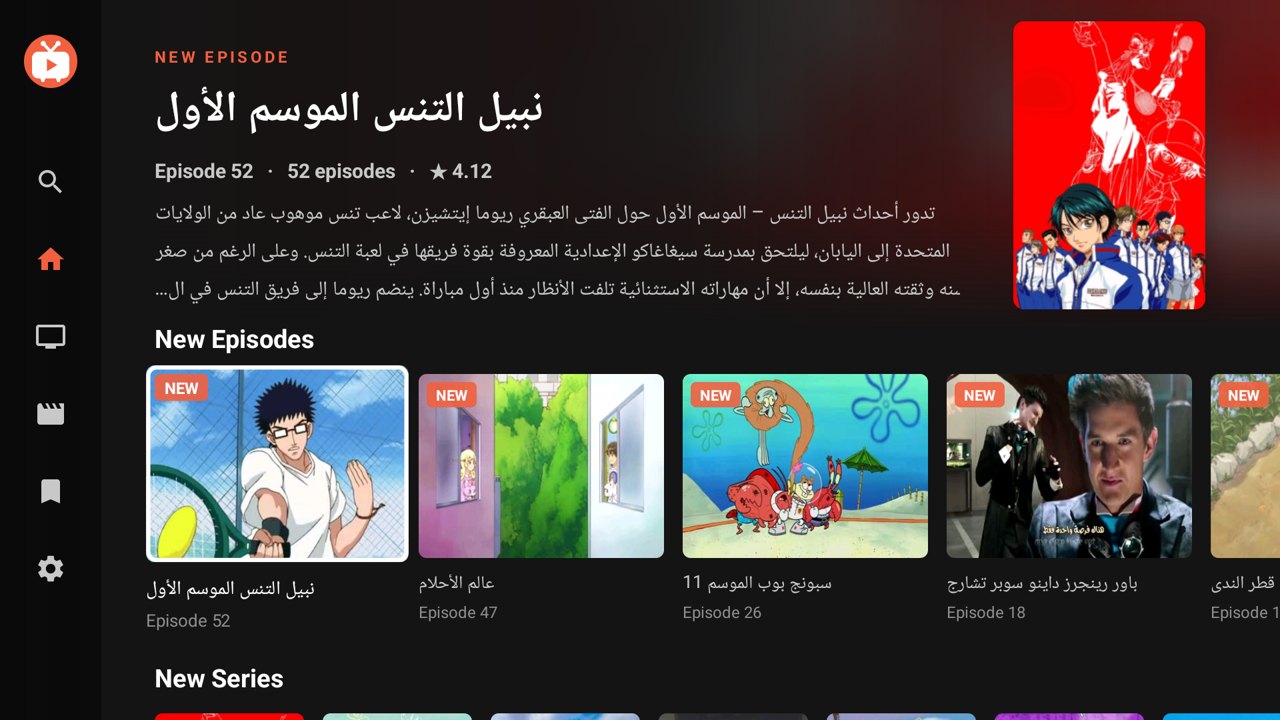

Toons TV
Arabic cartoons on your TV. No ads.
Downloader code2835289or the address tuntv.store/toons.apk
Toons TV for Arabic cartoons, Bankai TV for anime and TuniTV for films and series: clean apps made for the TV remote, with no ads and no pop-ups.
For Android TV, Google TV, Fire TV and Android phones.
These apps are for Android. They can't be installed on an iPhone or iPad.
Arabic cartoons on your TV. No ads.
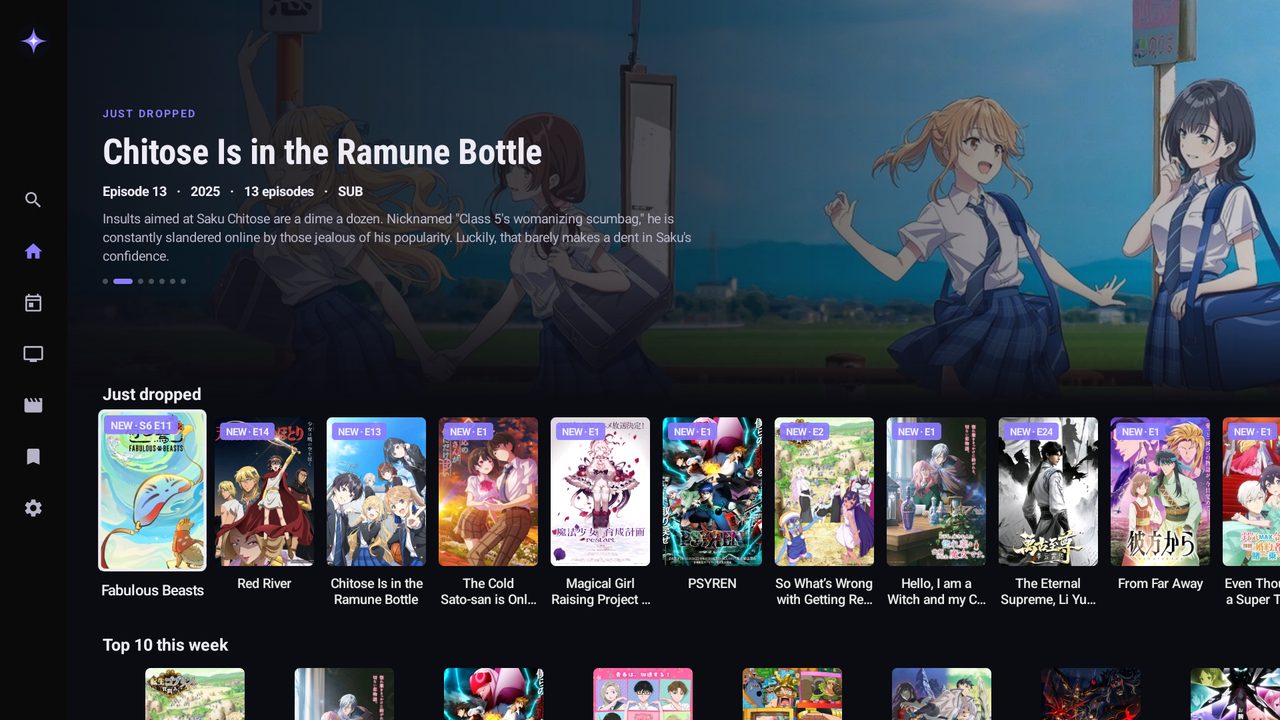

Anime on your TV. Sub or dub, no ads.
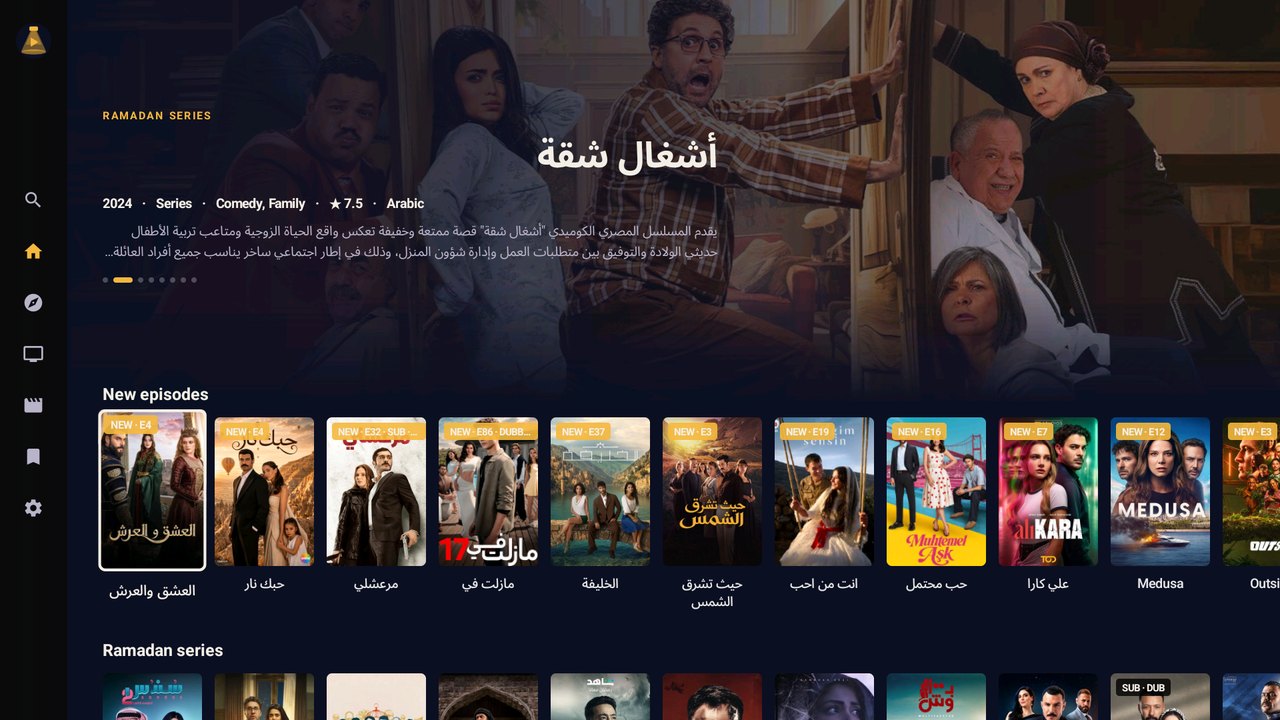

Films and series on your TV. No ads.
Small games you play with the remote.
Install it from the TV with the free Downloader app.
Downloader and the app's code: done in a minute.
Download it from this site and open it.
They don't run Android apps: plug in an Android TV stick (about 200 DT) and you're set.
Install the free Downloader app on the TV, open it and type the app's code. Downloader fetches the app and installs it.
Pay for a year on WhatsApp and we send you your code.
Follow the short guide for your TV or phone. Install
Type it once. Your TV registers itself, and the app works until your code's date.
Yes. Installing an app from outside the Play Store is a normal Android feature. The app only uses the internet: no access to your files, camera, microphone or contacts. Download it only from tuntv.store.
Only if the TV runs Android or Google TV. Samsung (Tizen) and LG (webOS) TVs can't install Android apps, but a Chromecast with Google TV or a Fire TV stick plugged into the TV works.
Yes. Turn on kids mode in Settings, choose a Parent PIN and pick the cartoons you allow (one tap allows all Calm Classics). You can also set a daily watch limit. In kids mode the app shows only those cartoons until someone types your PIN.
One code works on one TV. The app registers your TV by itself the first time you enter the code. Changing TV? Message us and we move your code to the new one.
The app tells you when a new version is out. Install it the same way, over the old one: your list, progress and code are kept.
Message us on WhatsApp to renew. We extend the same code, so you don't type anything new.